Automatic call capture
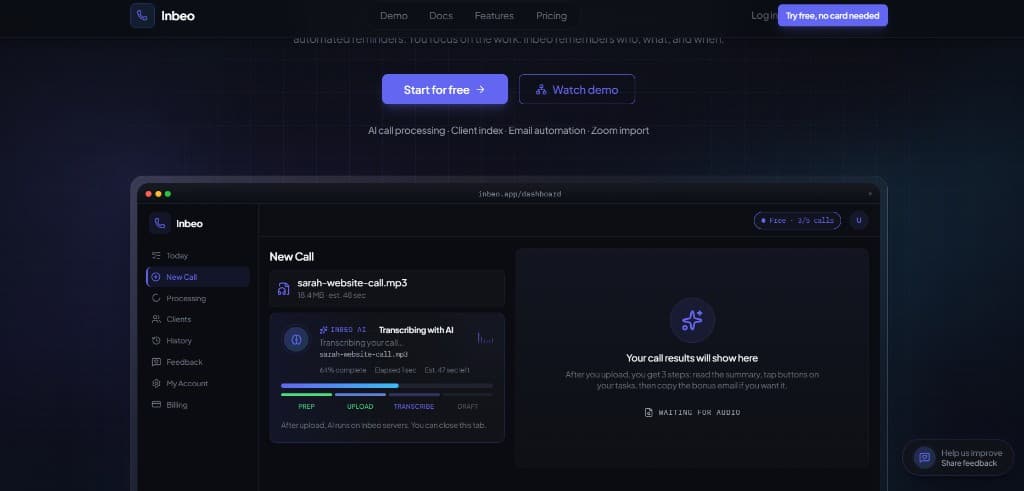
Upload from the dashboard or auto import from Zoom. Inbeo processes while you move on. Every call lands in History, searchable anytime.
Every call saved. Every client indexed. Tasks, emails, and reminders from one recording. Multilingual by default. You approve every client send from Today or Clients.
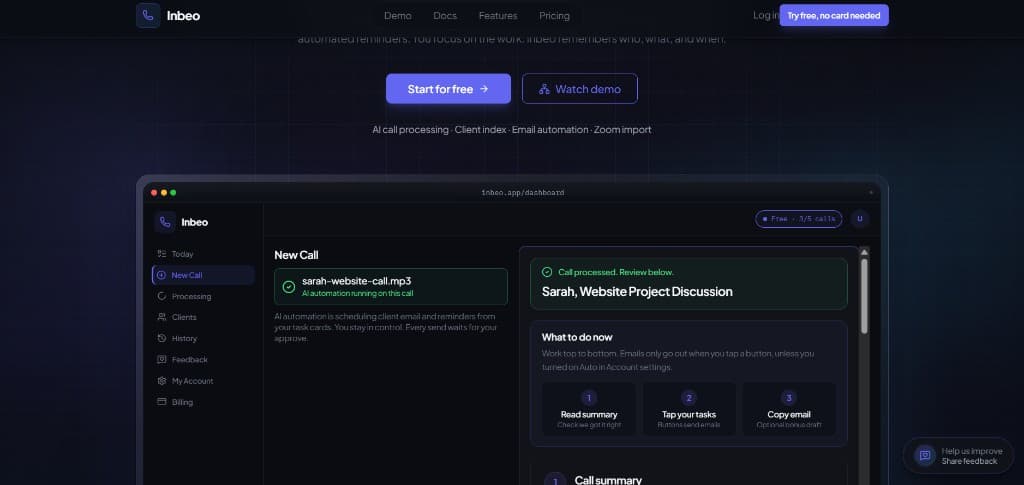
One platform for after the call: remember who, track what you owe, and finish follow ups without a CRM or five separate apps.
Upload from the dashboard or auto import from Zoom. Inbeo processes while you move on. Every call lands in History, searchable anytime.
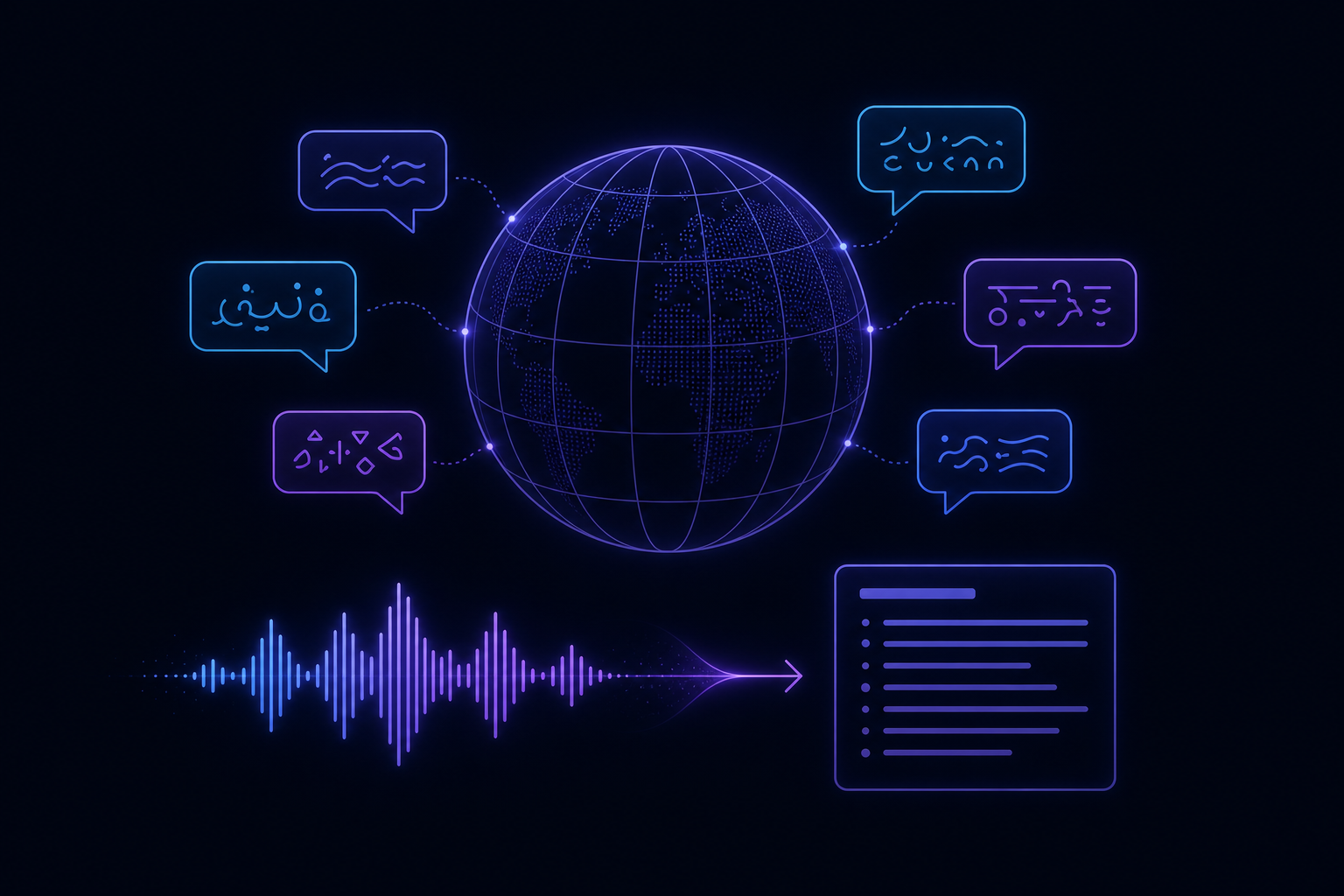
Auto detect the spoken language or pick from 35+ languages. Keep transcript and emails in the call language, or send client emails in English, Hindi, Spanish, and more.
A short recap of what was decided: budget, deadlines, and next steps. Tied to the client and project, not a throwaway chat message.
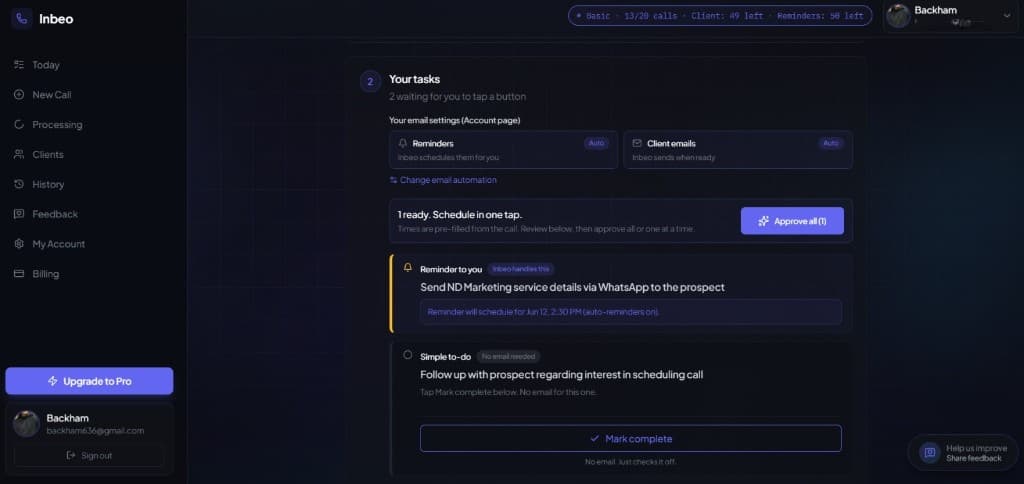
Each promise becomes a card: email the client, remind yourself, or mark a to do. Edit, schedule, and send on the same card.
Your guide across every call: what needs you today, what is scheduled, and what you finished this week.
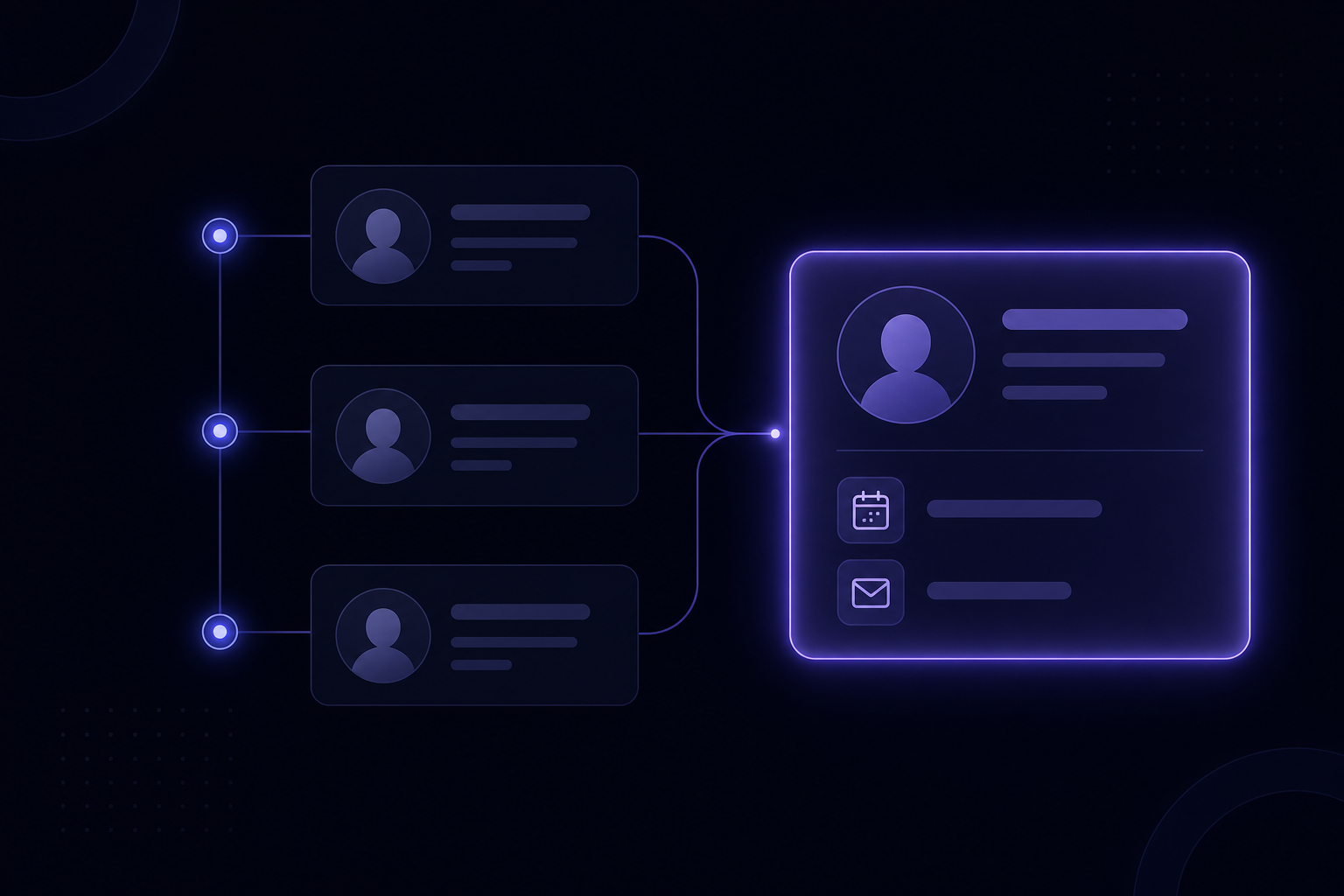
Work grouped by person: Sarah's website project, open tasks, scheduled emails, and last call. No CRM setup required.
Edit subject and message on the task card, then Send now or Schedule. Nothing reaches a client until you approve.
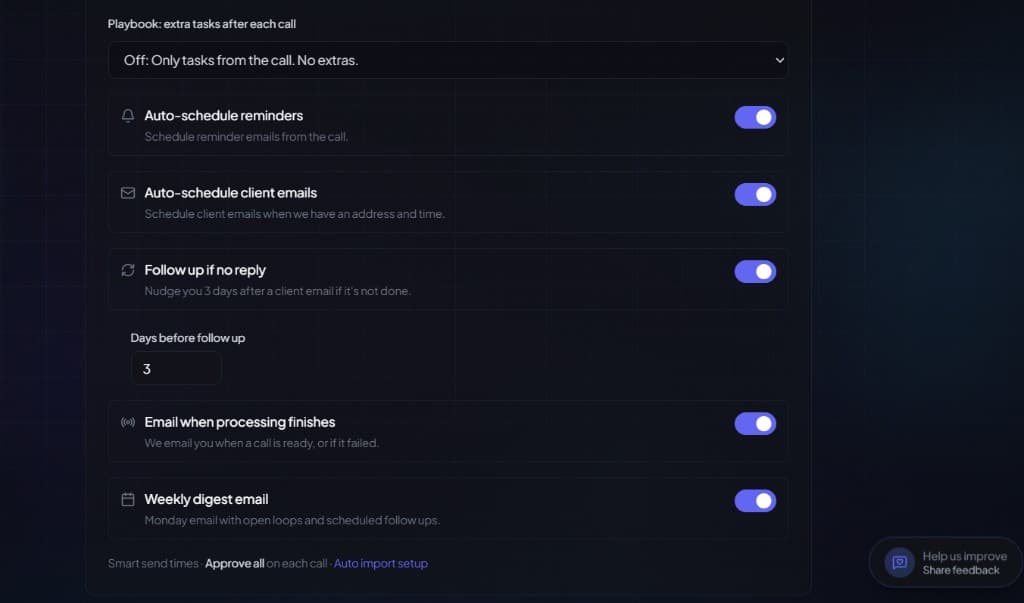
Set reminders from action cards or turn on auto reminders in Account. Inbeo nudges you before deadlines slip.
Pick a send time for follow ups instead of sending immediately. Useful when you want to review drafts first.
Every processed call saved with real status: open, scheduled, or all done. Reopen anytime to see what you promised.
When you juggle multiple clients, you should not replay recordings from memory or hunt for notes. Finish the call, rest a few minutes, and come back to what AI organized from the call.
Use Zoom, Meet, or whatever you already use. Talk to your client. No scribbling notes or trying to remember every detail while you are on the call.
Connect Zoom once and new recordings come in on their own. Prefer manual? Upload when you are ready. Either way, AI and automation work while you take a short break.
AI summary, automated tasks, and draft follow ups are waiting. Each client, what you owe them, and suggested send times are laid out so you approve and move on.
Clients view groups calls, open tasks, and scheduled emails by person. Walk into every call knowing exactly where the relationship stands, without CRM data entry.
AI detects the spoken language by default. Split transcript and client emails in Account if your call and follow ups use different languages.
Answers about AI transcription, email automation, and scheduled client emails.
Inbeo is your automatic notetaker and client work hub. Upload or auto import a call and get a summary, task cards, and draft follow up emails. Every call is saved in History. Every client is indexed in Clients. Today shows what still needs you. You approve before anything sends.
ChatGPT does not remember your clients or last week's calls. Otter and similar tools focus on transcripts. Inbeo keeps every call and client in one place, turns promises into tasks with send times filled in, and lets you email clients and set reminders without copying into Gmail or a CRM.
Not by default. Nothing sends until you tap Send, Schedule, or Approve all. Optional auto settings in Account can schedule reminders or client emails when details are ready. You can still edit every draft first.
Yes. By default Inbeo auto detects the spoken language and writes summaries, tasks, and emails in that language. In Account → Language you can split them. For example a Hindi call with English client emails, or an English call with Hindi follow ups. Supports 35+ languages.
Today is your guide across every call: what needs you, what is scheduled, and what you finished this week. Clients groups work by person so you can see Sarah's open tasks, last call, and next send without digging through notes.
Freelancers, consultants, and solo sales reps who take client calls and need reliable follow up without juggling five apps, spreadsheets, or a heavy CRM.
Five call uploads, ten client emails, and ten reminder emails. You get summaries, task cards, Today, Clients, Approve all, Zoom auto import, playbooks, follow up if no reply, and weekly digest with no credit card required.
No. Auto import from Zoom runs on our servers. When processing finishes, Inbeo emails you with a link to the call, or explains why it failed (plan limit, bad link, etc.). Setup guide at inbeo.app/integrations/recording.
Only during the upload. Keep the tab open until the upload bar finishes. After that, transcription and AI run in the background. You can close the tab or leave the site. Track progress on Dashboard → Processing.