Auto import recordings
Pick your recorder below. Each platform has a full step by step guide: where to click in Inbeo, where to go in Zapier or Make, and what to paste. No coding needed for Zoom, Otter, or Google Drive.
Click platform
Opens Zapier / Make
Paste credentials
Copied for you
Inbeo processes
App can stay closed
Email + History
Link to your call
Pick a platform
Each guide walks you through every click: where to go, what to select, and what to copy and paste.
- Z
Zoom
via Zapier
Zoom recording → Inbeo (most popular)
Open setup guide - M
Zoom
via Make
Zoom → HTTP → Inbeo
Open setup guide - O
Otter.ai
via Otter + Zapier
Export audio → auto send to Inbeo
Open setup guide - G
Google Drive
via Zapier
New file in folder → Inbeo
Open setup guide - API
Custom API
via Any HTTP tool
POST JSON with Bearer token
Open setup guide
How it works
- 1. Inbeo: sign in, open a platform guide, copy your values.
- 2. Zapier or Make: follow Part 2, 3, 4 in the guide (trigger → action → test).
- 3. Done: Inbeo processes on the server and emails you when ready.
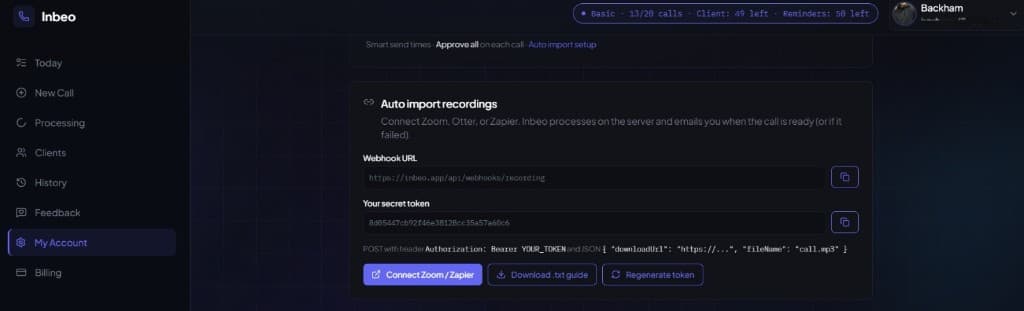
Sign up free first. Each account gets its own webhook URL and secret token.
Email when done
Success → email with a link to the call. Failure → email with the reason (plan limit, bad link, etc.).